
Logitech has been a household name in the world of computer peripherals, and their Signature M650 L wireless mouse proves why. Priced reasonably, this mouse aims to cater to larger hands while keeping things simple and efficient. It’s designed for office users who want a comfortable, silent mouse without frills but with all the essentials. So, whether you’re grinding through spreadsheets or scrolling through your favorite blog (yes, this one), the M650 L wants to be your go-to sidekick.
Our Top Pick
Design and Ergonomics
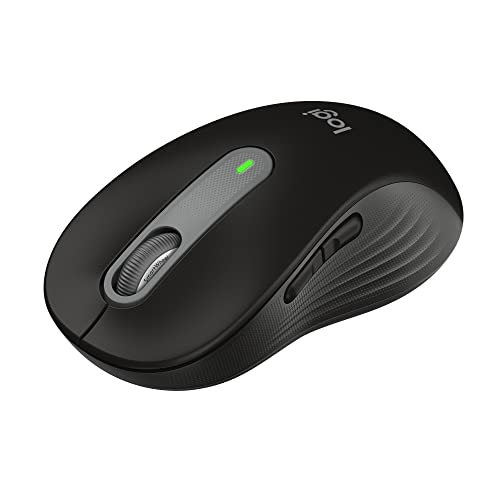
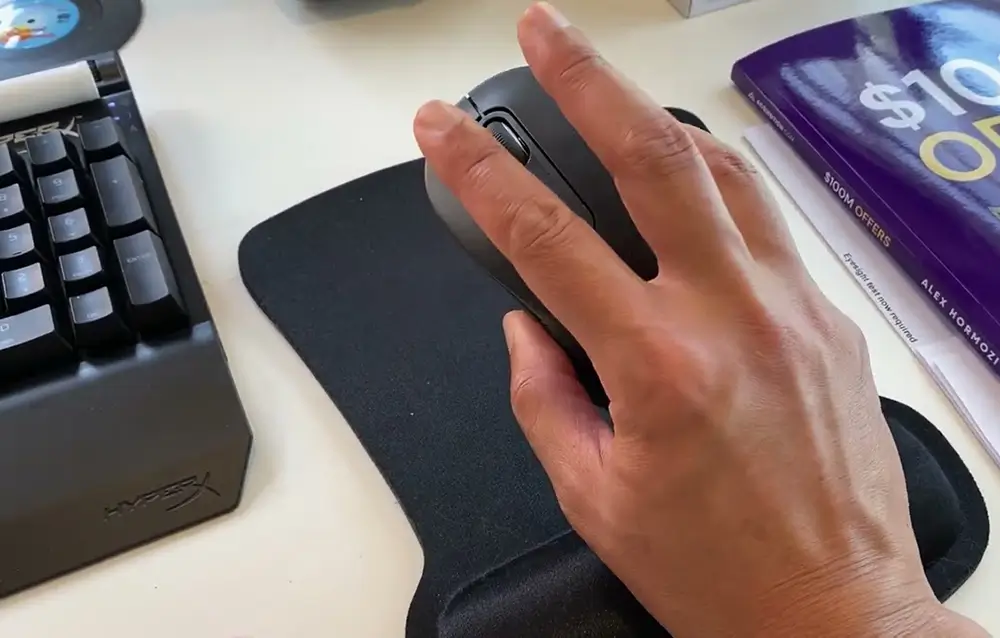
One of the first things you’ll notice is that the M650 L is clearly built for comfort. It’s on the larger side, perfect for those of us with hands that usually find smaller mice a little too dainty. The ergonomic shape cradles your palm like it’s giving you a supportive handshake—firm but easygoing.
The sides are coated with a rubberized grip that feels secure even when your hands get a little clammy. It’s subtle, but that kind of traction is exactly what you need during those long work sessions where precision is key. There’s also a gentle curve in the body that ensures your hand stays comfortable without any awkward angles.
Now, let’s talk buttons. The left and right clicks are nearly silent. This may not seem like a big deal, but once you’ve experienced a mouse that doesn’t sound like you’re clicking a Morse code machine all day, you’ll never want to go back. It’s perfect for shared spaces where you’re not trying to be that person with the loud peripherals. The thumb buttons are right where they should be—no awkward stretching—and they have a satisfying, soft click.
Performance and Features
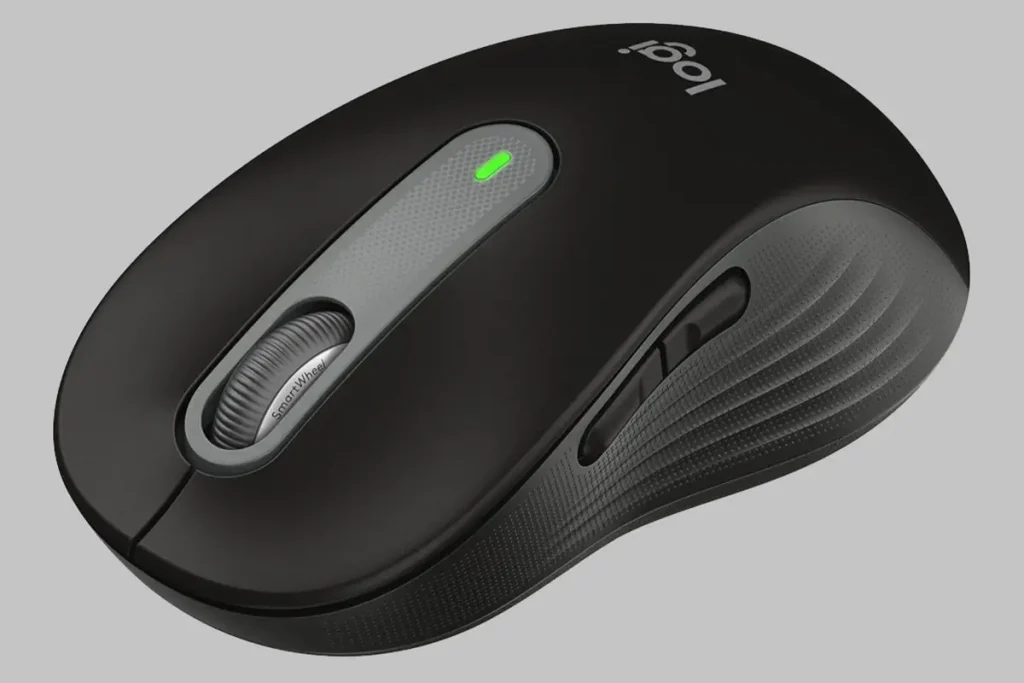
The SmartWheel technology is where this mouse starts to show its capabilities. Flick the wheel and it starts a smooth, near-endless scroll—great for plowing through long documents or pages. But it’s not just about speed. Need precision? The wheel clicks into a tactile mode with just enough resistance to keep your scrolling under control. It’s a small detail, but one that makes a noticeable difference.
Under the hood, the M650 L packs Logitech’s Advanced Optical Tracking technology, which means it’s good for most surfaces except glass. It tracks between 400 and 2000 DPI (dots per inch), which for office tasks is perfectly fine. Sure, it’s no gaming mouse, but that’s not the point here. This is a mouse built for work—not weekend raids.
And let’s not forget about customization. With Logitech’s Options+ software, you can tweak button functions to your liking. Want the side buttons to navigate between browser tabs instead of performing their default tasks? No problem. You can customize it in a few clicks. Options+ is still in beta, but it already works well enough for everyday use.
Connectivity and Compatibility
In the connectivity department, Logitech gives you options. The M650 L can pair via Bluetooth or the included Logi Bolt receiver. This dual-connection feature is a nice touch, especially if you’re like me and use multiple devices throughout the day. Bluetooth is great for those ultrathin laptops with limited ports, while the Logi Bolt receiver offers a reliable and more secure connection.
The Logi Bolt receiver is a USB-A, so you might run into some hiccups if your device only has USB-C ports. But if that’s the case, Bluetooth steps in to save the day. Switching between devices isn’t as seamless as some pricier models, like the Logitech MX Master 3, which lets you toggle between up to three devices, but for what it offers, the M650 L holds its own.
Compatibility-wise, the M650 L covers all the bases. Windows, macOS, Linux, Chrome OS—it’s a versatile piece of hardware that plays nice with most systems. Whether you’re on an older version of Windows or running the latest macOS, the M650 L won’t leave you hanging.
Battery Life
Here’s where the Logitech Signature M650 L really shines—battery life. Logitech claims you’ll get up to 24 months on a single AA battery when using the USB receiver. Switch to Bluetooth, and you’re looking at around 20 months. Even if you’re skeptical of those numbers, it’s still impressive. The AA battery is easy to swap out, and the battery compartment also doubles as storage for the Logi Bolt receiver, making it ideal for travel or keeping things tidy.
In a world where many peripherals need frequent recharging or battery replacements, the M650 L is a breath of fresh air. One less thing to worry about in your day-to-day routine.
Logitech Signature M650
Comfortable quiet-click mouse supports left/right hands, long battery
Comparison to Competitors
Compared to other mice in its category, like the Logitech M510 or even the Logitech MX Master 3, the Signature M650 L holds its ground, especially given its price. Sure, it doesn’t have the bells and whistles like multi-device switching or horizontal scrolling, but that’s not what the M650 is about. It’s about comfort, reliability, and ease of use at a reasonable price point.
In the office mouse category, it competes well against more expensive models by offering a simpler yet effective tool for productivity. You could think of the MX Master 3 as the flashy executive chair, while the M650 L is more like the reliable office desk—steady, solid, and does the job without fuss.
Conclusion
The Logitech Signature M650 L may not be the flashiest mouse out there, but it delivers where it counts. Its ergonomic design, near-silent operation, and long battery life make it a great choice for anyone seeking comfort and functionality at an affordable price. If you’re looking for a reliable everyday companion for work or casual use, the M650 L has you covered.
No fluff. Just a solid, reliable mouse that does its job and does it well.